- First, reboot the Surface Pro
- Then, insert the USB drive which available with Windows or Ubuntu or OSX installer that wish to boot from into the USB port on Surface device.
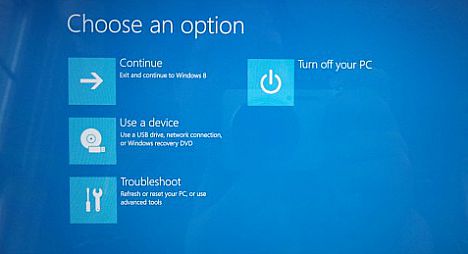
- Press and hold the volume-down button. In the same time press and release the power button while holding volume-down button.
Note: For Surface Pro 1 and Surface Pro 2 – keep holding volume-down until the Surface logo appears - Once done with correctly, the Surface Pro will read from the USB drive and initiating OS installation.
Note: Remember to disable Secure Boot if you are attempting to install any OS other than Windows 8.1 64-bit or later on Surface Pro. Otherwise, Surface device will simply ignore the USB installation drive.


No comments:
Post a Comment